
Help · Elevate
Setting up your Elevate
Elevate is an over-the-counter hearing aid you fit yourself, at home, with the free Harmonix OTC companion app. No appointment, no clinic — the app guides you through a hearing check, then tunes Elevate to what you actually hear. This guide takes you from box to first wear.
Elevate is an FDA-cleared over-the-counter hearing aid (FDA 510(k) K221052) for adults 18 and over with perceived mild-to-moderate hearing loss.
Before you start
What you’ll need
- Your Elevate hearing aids and charging case, fully charged
- A quiet room, so the hearing check can read your responses accurately
- A compatible smartphone with Bluetooth turned on
- A few uninterrupted minutes for the guided fit
The fit
Fitting Elevate, step by step
Follow these in order. Harmonix OTC prompts you through each step, so you can go at your own pace.
- 1
Download the Harmonix OTC app
Download the Harmonix OTC companion app from the App Store or Google Play and install it. It guides you through your personal hearing fit and lets you fine-tune Elevate any time.
- 2
Charge, then pair your Elevate
Take both Elevate buds out of the case and follow the in-app prompt to pair them with your phone over Bluetooth. The app confirms when both are connected.
- 3
Run the guided hearing check
With both buds in, find a quiet spot — the app measures the room first and will not start if there is too much background noise. It then plays tones at six pitches in each ear, from 250 Hz up to 6 kHz, and you answer whether you can hear each one.
- 4
Apply your personalised settings
When the check is complete, Harmonix OTC fits Elevate to your results automatically — one profile, built from what you actually heard. Save it, then start wearing them straight away.
- 5
Try it in the real world
Wear your Elevate through everyday moments — conversation, TV, a busy café — and notice what sounds clear and what you'd like to adjust. The first few days are the best time to dial it in.
Fine-tuning
Adjusting Elevate to you
Your first fit is a starting point, not a final answer. Inside Harmonix OTC, keep adjusting until Elevate feels right for the rooms and moments you spend the most time in.
Volume
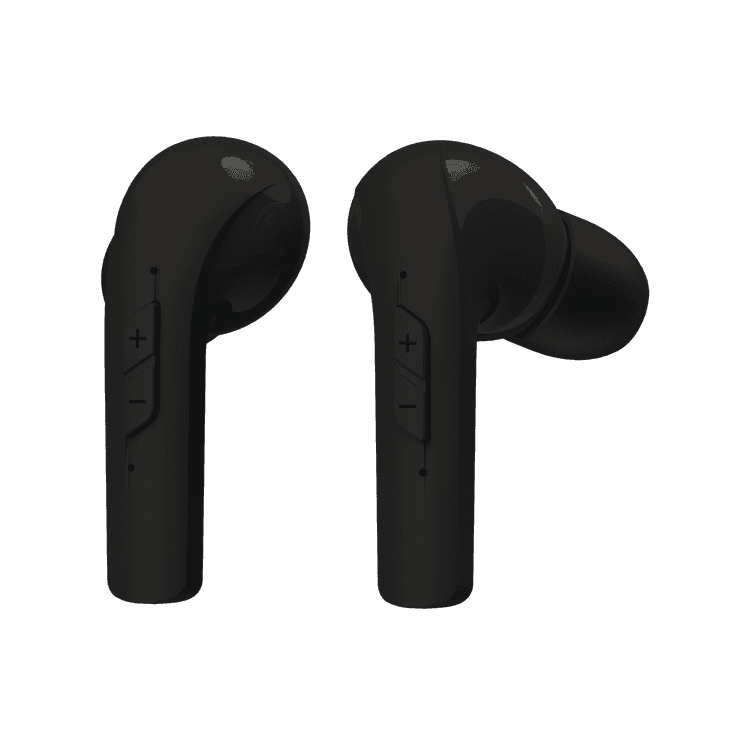
Raise or lower the level with the + and − buttons on the buds, or from the app.
Listening modes
Elevate has four preset programs. Long-press the + button to move between them — each one signals itself with a different number of beeps.
Re-run the hearing check
Your hearing and your preferences can change. Repeat the guided check whenever you want a fresh fit.
Charging & care
Keeping Elevate charged
Return both buds to the charging case when you’re not wearing them — they charge automatically, and the case tops them up between uses.
Charge the case itself with the supplied cable, so it’s always ready to refill your Elevate on the go.
Elevate is rated IP64 — dust-tight and splash-resistant — but keep it dry and don’t submerge it.
Need a hand?
We’re here to help you hear your best.
If pairing won’t complete, the hearing check won’t finish, or something just doesn’t sound right, our support team can walk you through it.